

How it works
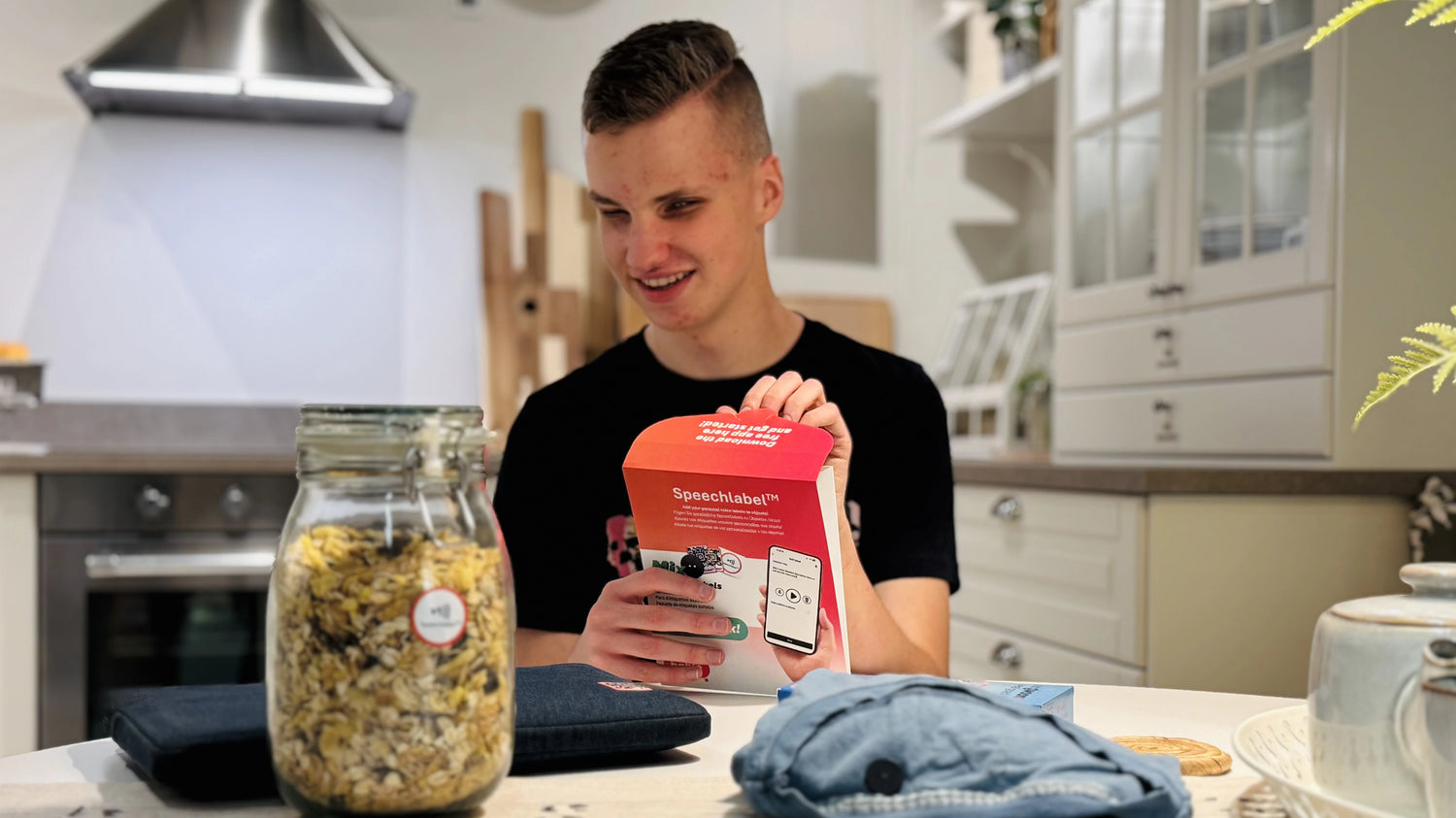
Label anything
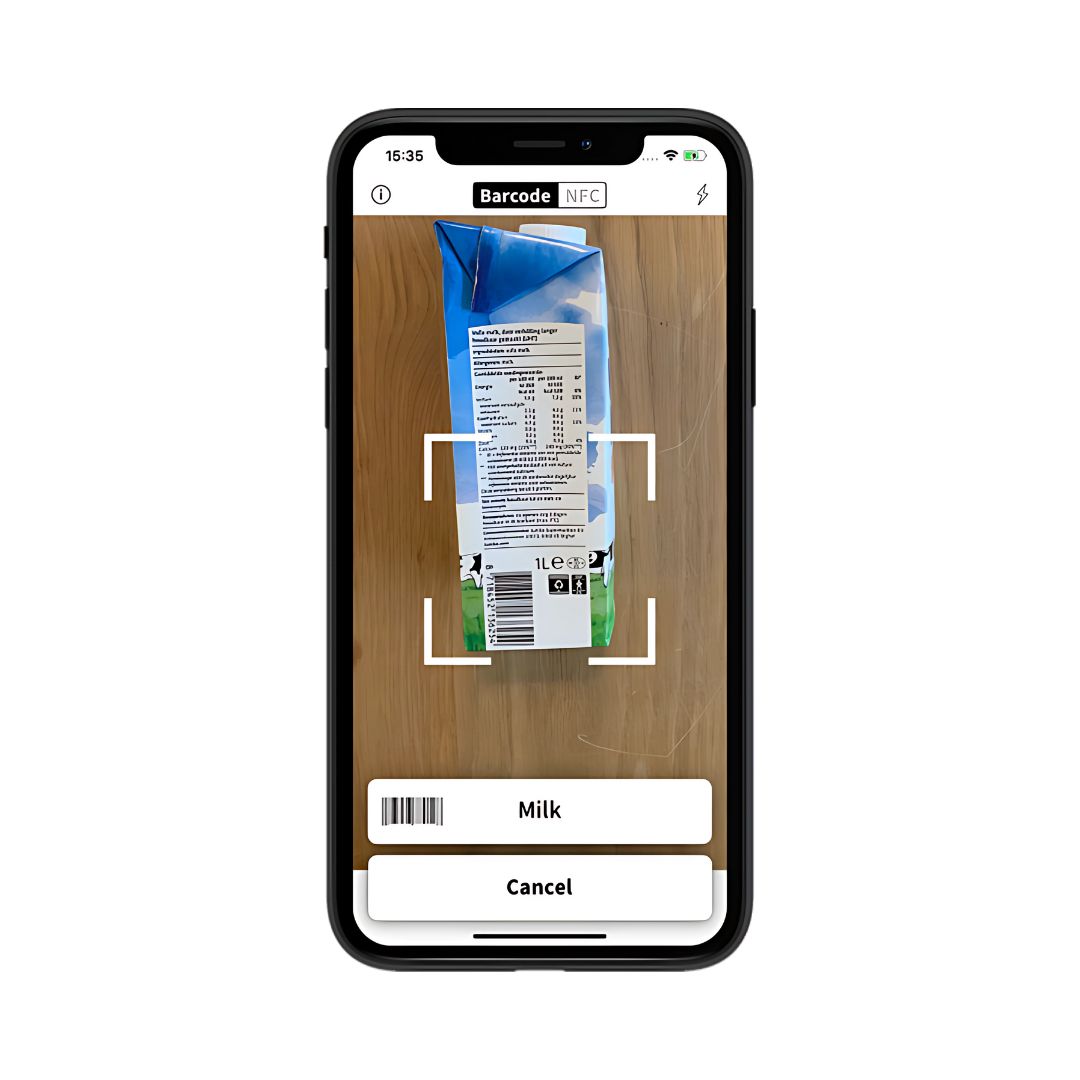
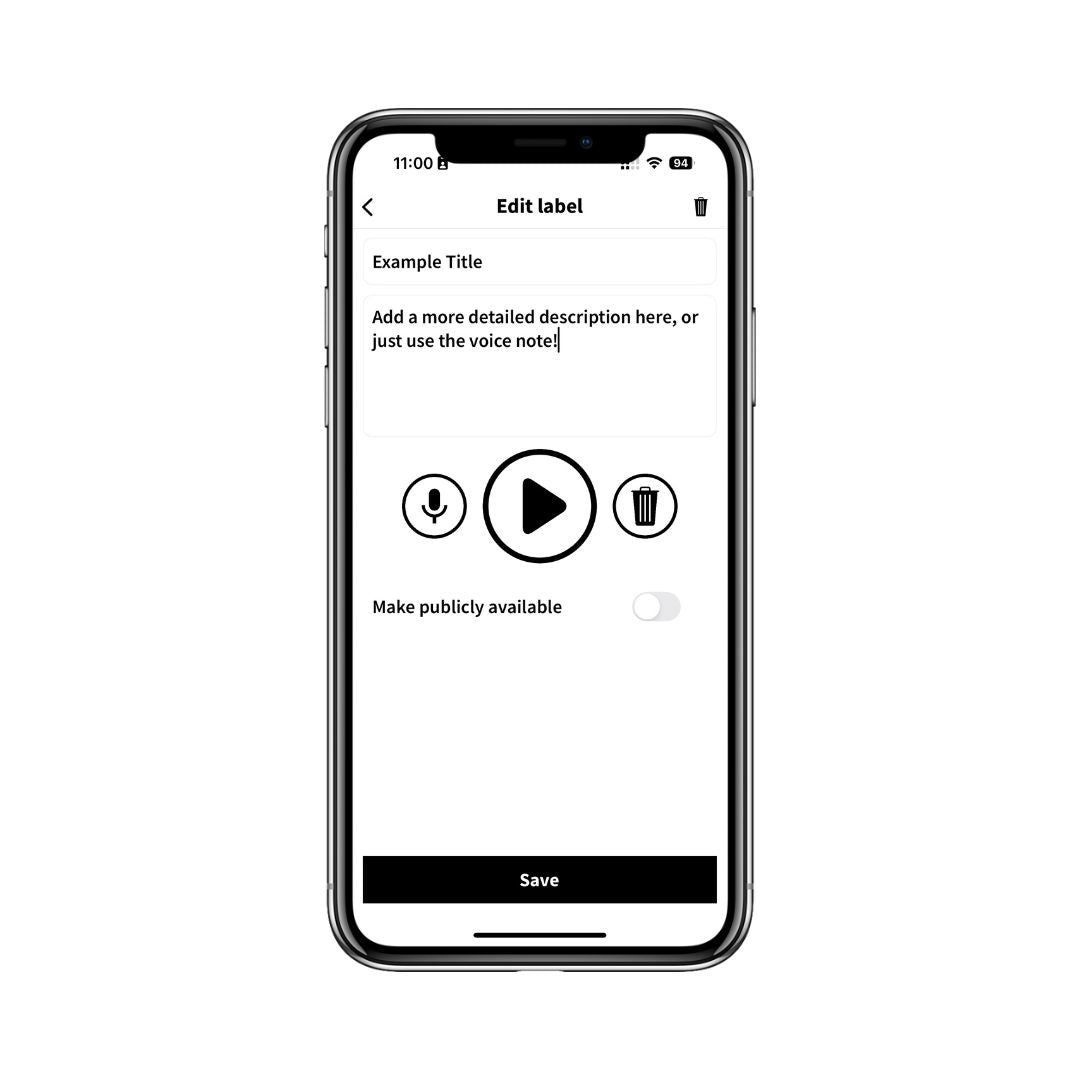
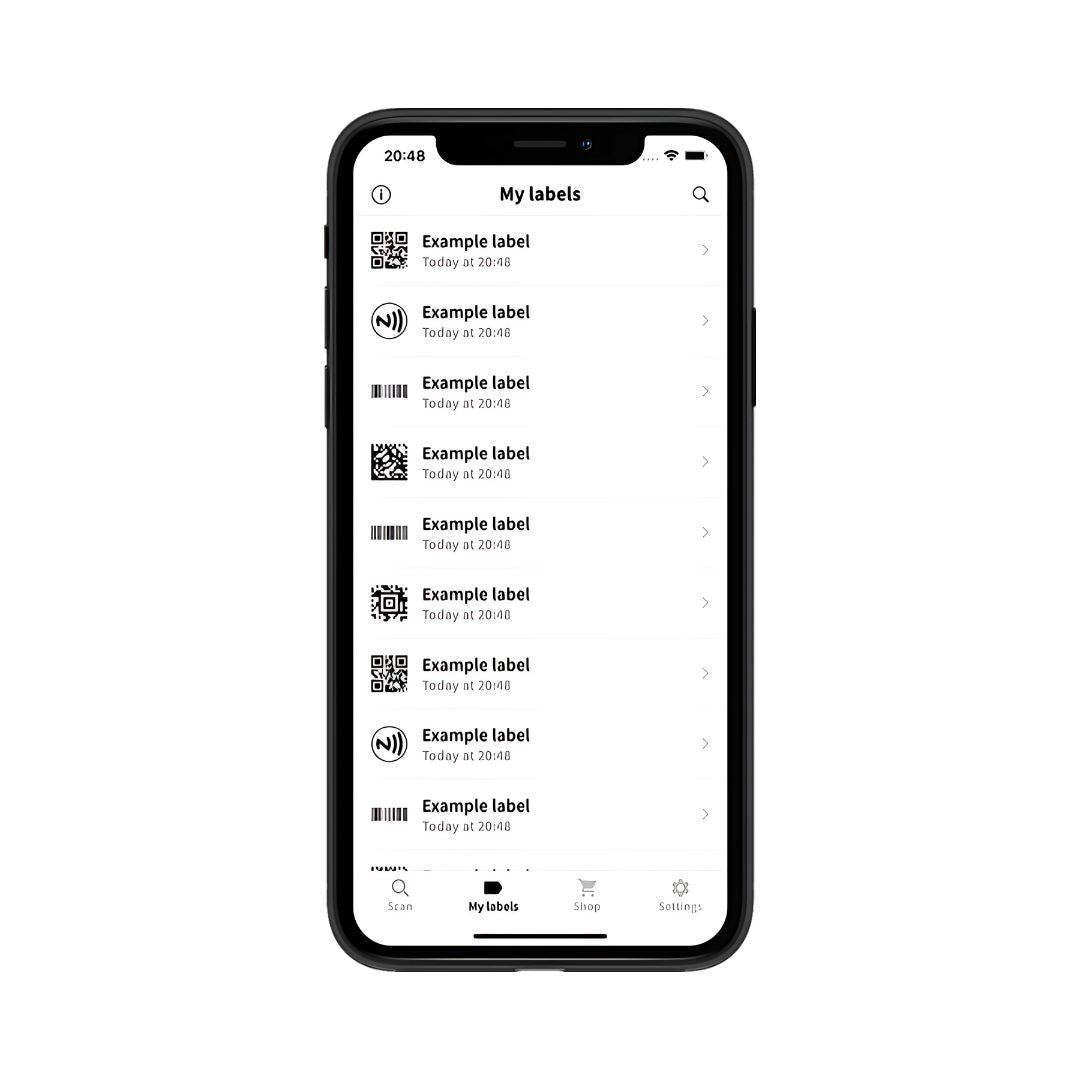
Full independence with your own created audio labels. Scan your label and stick it. Add any details you want, including a voice recording, titles or plain text. Now scan it again to get hear your information. Unlike AI, there’s no guessing.
What our customers say


Dishwasher Safe & Freezer Friendly
Our labels are built to withstand both freezer temperatures and regular dishwasher cycles. They stay firmly in place and can be reused every time you store different food. For the best hold, apply the label to a clean, dry surface and let it set before use.
-
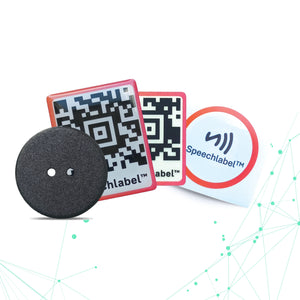
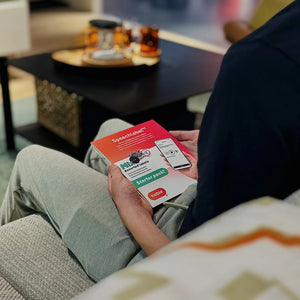
Starter Pack - Assorted Labels | Speechlabel™
Regular price $21.00Regular price -


Laundry Button Labels (NFC) | Speechlabel™ - contains 25 labels
Regular price $33.50Regular price -


QR Code Sticker (Thick) | Speechlabel™ - contains 25 labels
Regular price $24.70Regular price -


QR Code Sticker (Thin)| Speechlabel™ - contains 100 labels
Regular price $24.70Regular price


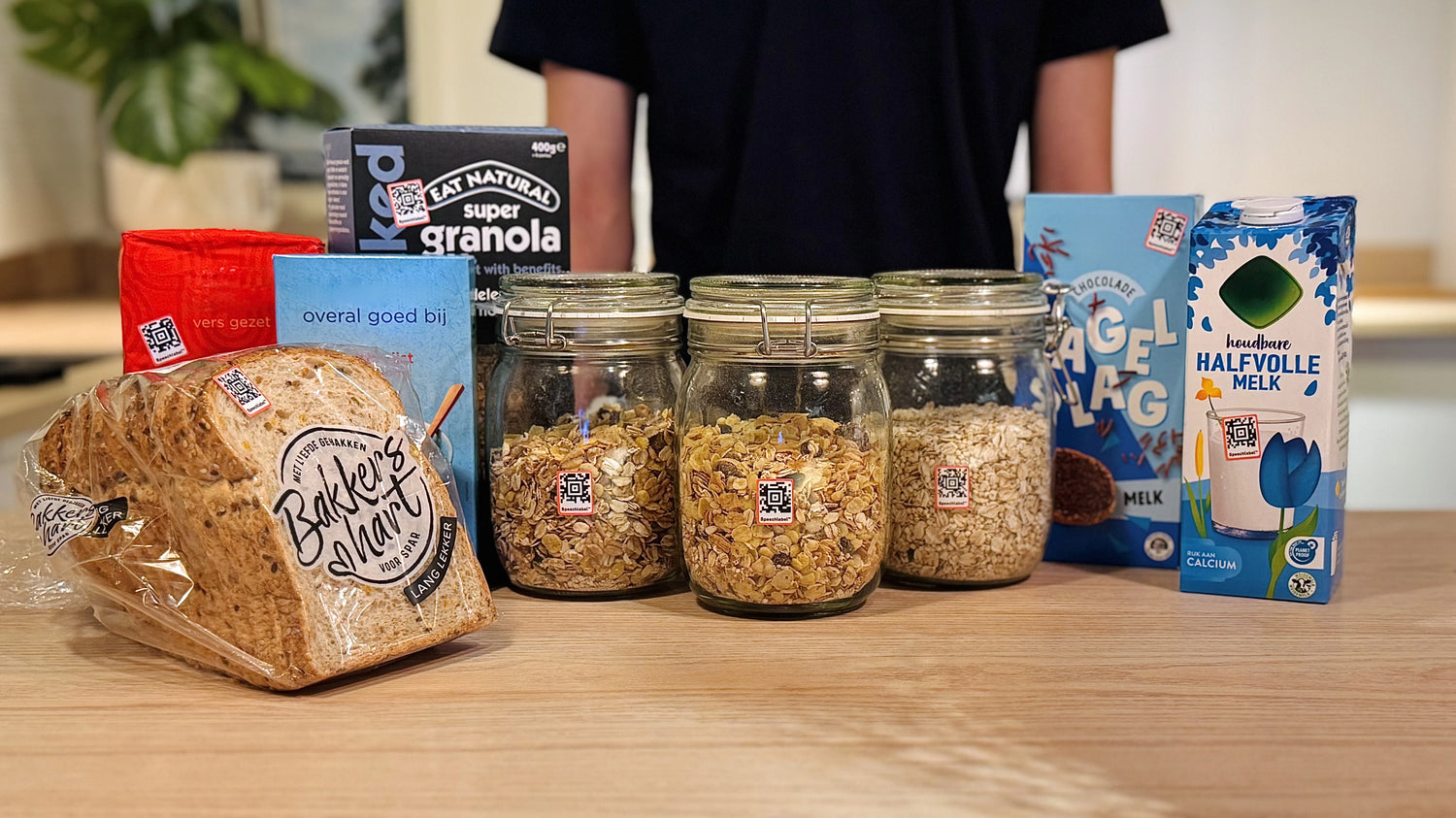
QR Code Stickers
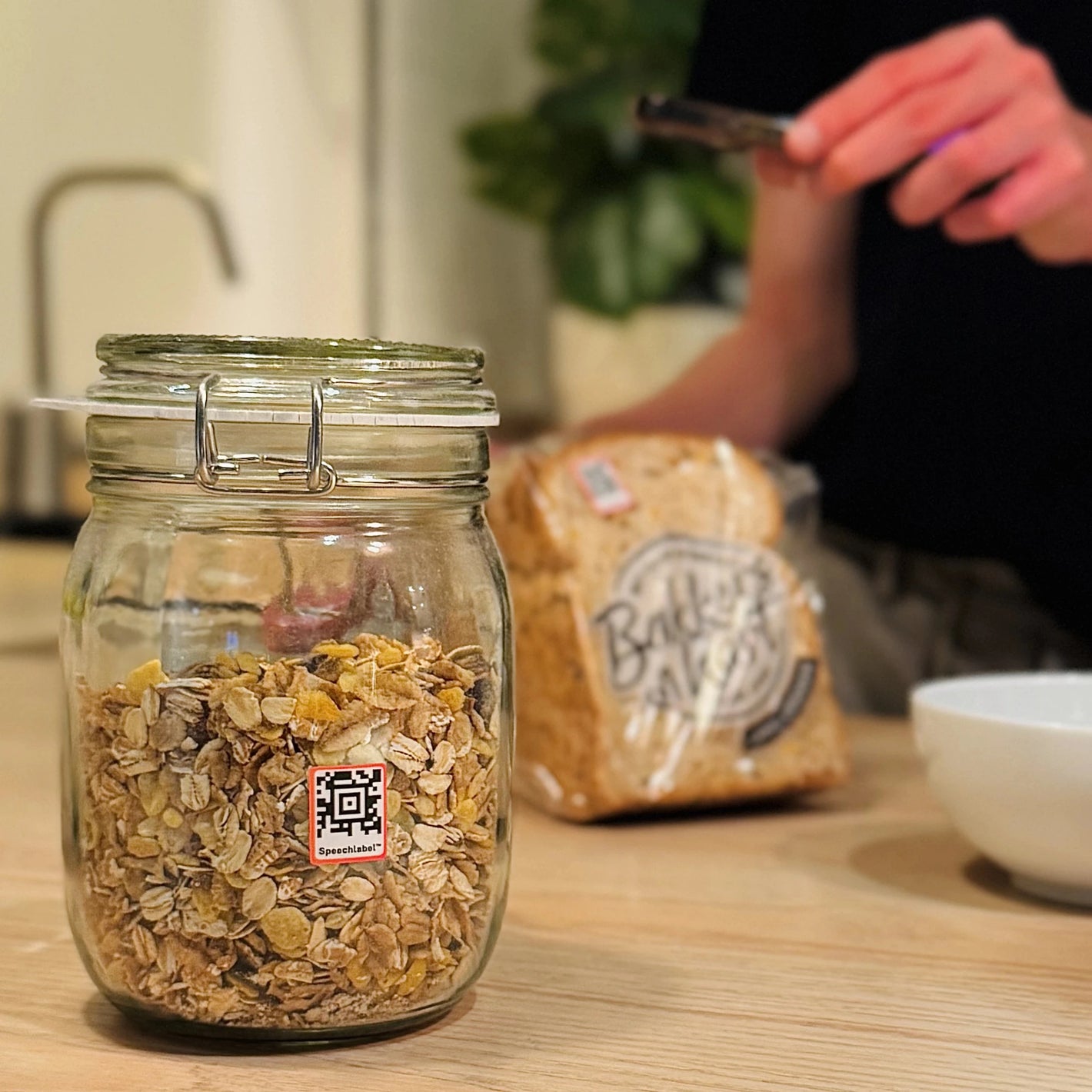
Our QR Code Labels scan instantly. Only about 10% of the sticker is needed, even at an angle. Just point your camera loosely toward it. They’re dishwasher- and freezer-safe, ideal for everyday items. Just keep in mind that when labels are very close together, selecting the right one can be harder.
NFC Tags
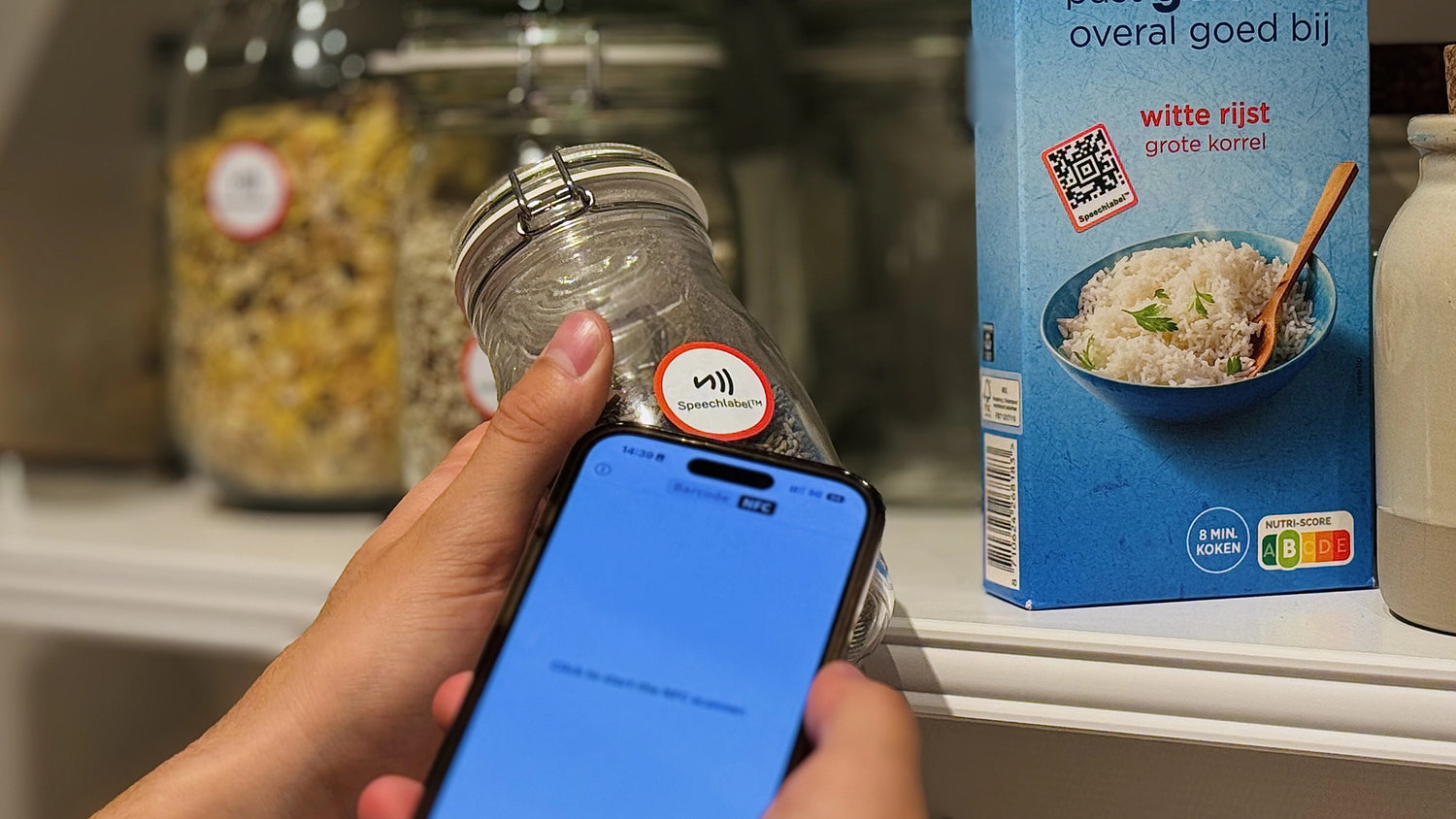
Our NFC labels let you identify items by simply tapping your phone on the sticker. It's perfect for shelves or drawers where multiple items are close together. No need to aim your camera, just tap and hear the info. Ideal for medicine bottles, groceries or jars.
Getting Started
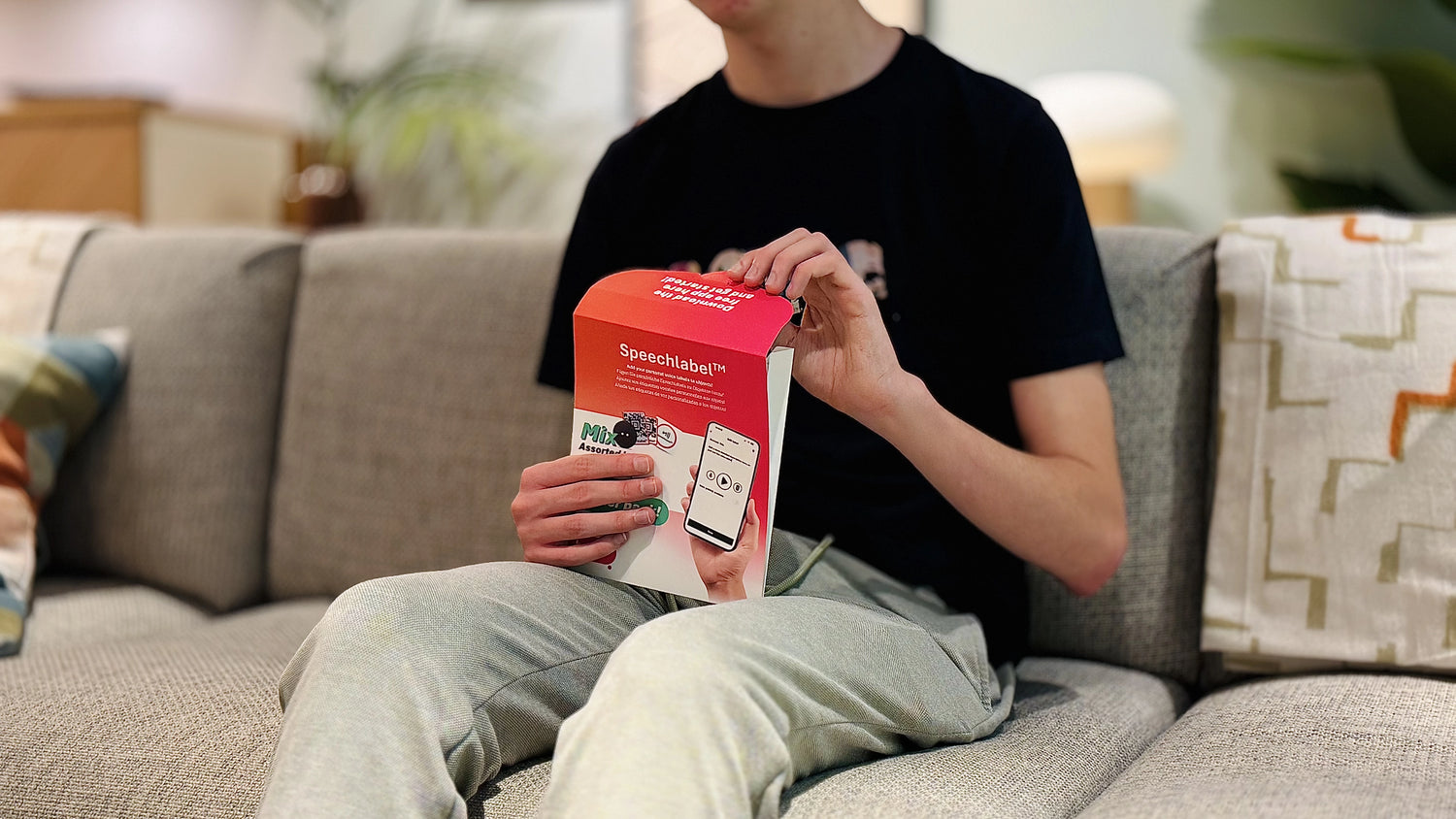
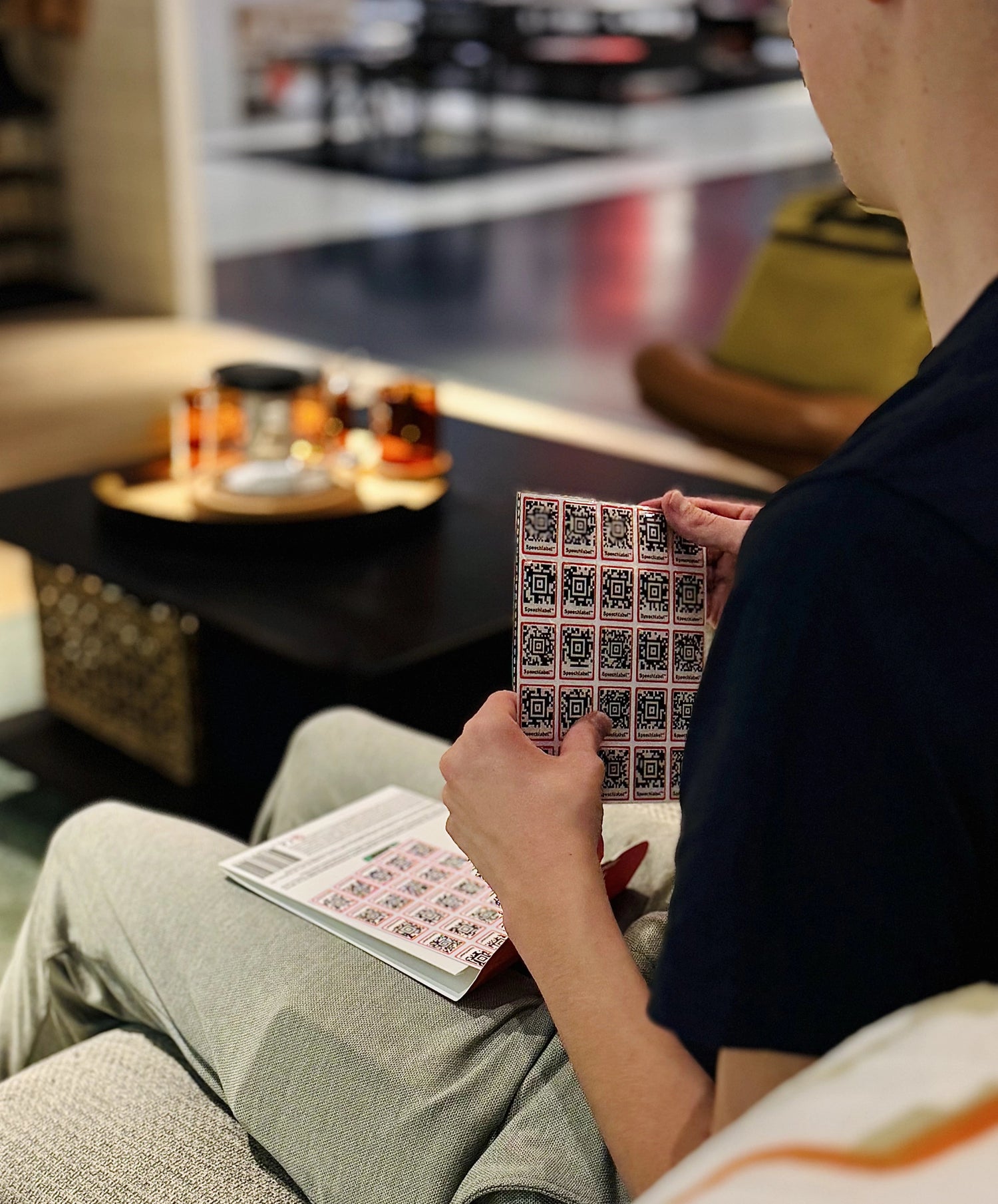
Starting with Speechlabel is simple. First, order your labels. If you’re not sure which type fits your needs, choose the Starter Kit to try all our options. If you already know which labels you want, you can order them directly. Once your labels arrive, open the free Speechlabel app and start adding your own audio labels.
Where to use your Speechlabels
-
Kitchen
Label your groceries, spices, or medication so you always know exactly what’s in your cupboard. Record your own voice to add details like expiry dates or cooking instructions.
-
Clothing
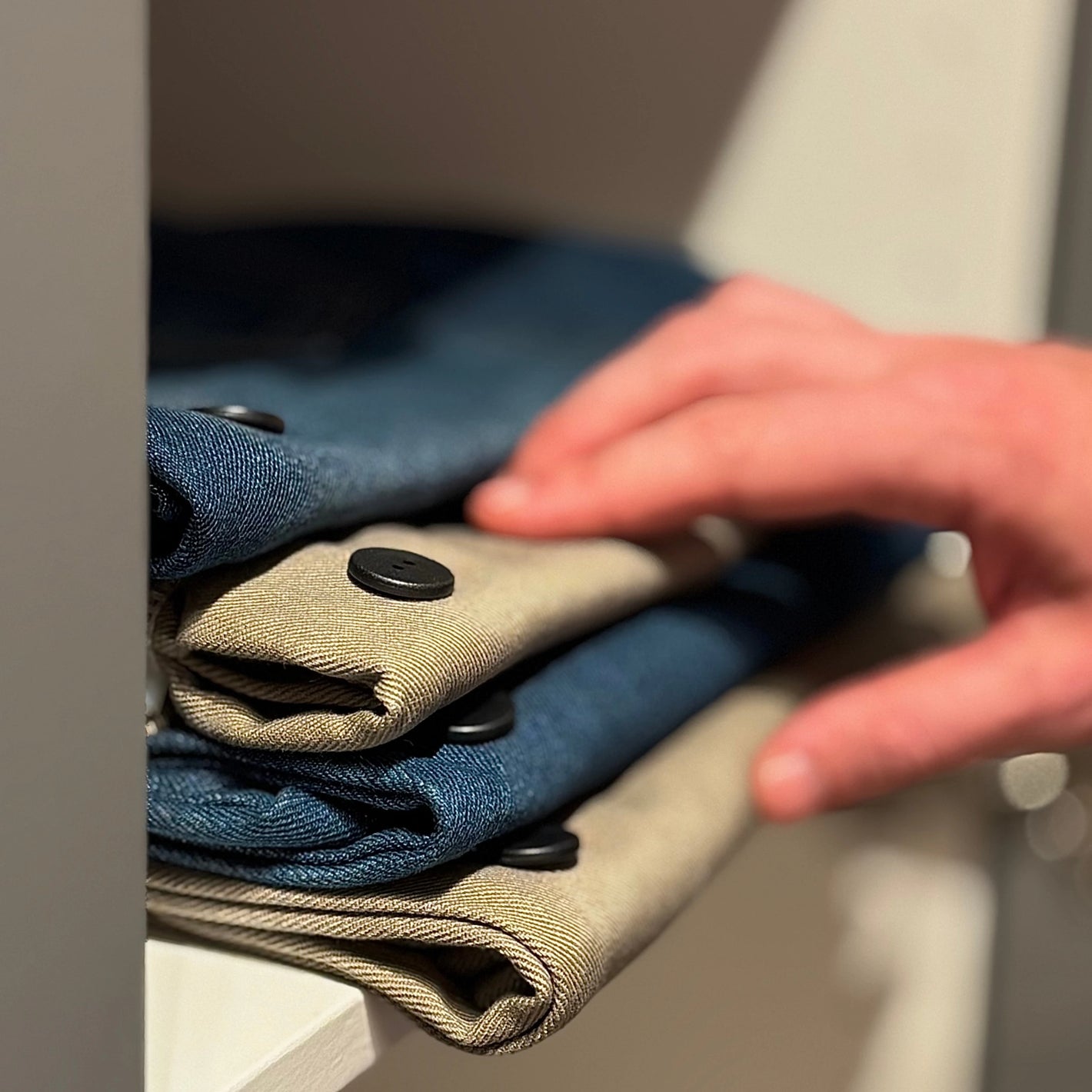
Organize your wardrobe with labels for outfits, colors, or care instructions. Perfect for keeping clothes apart and finding what you need quickly and independently.
-
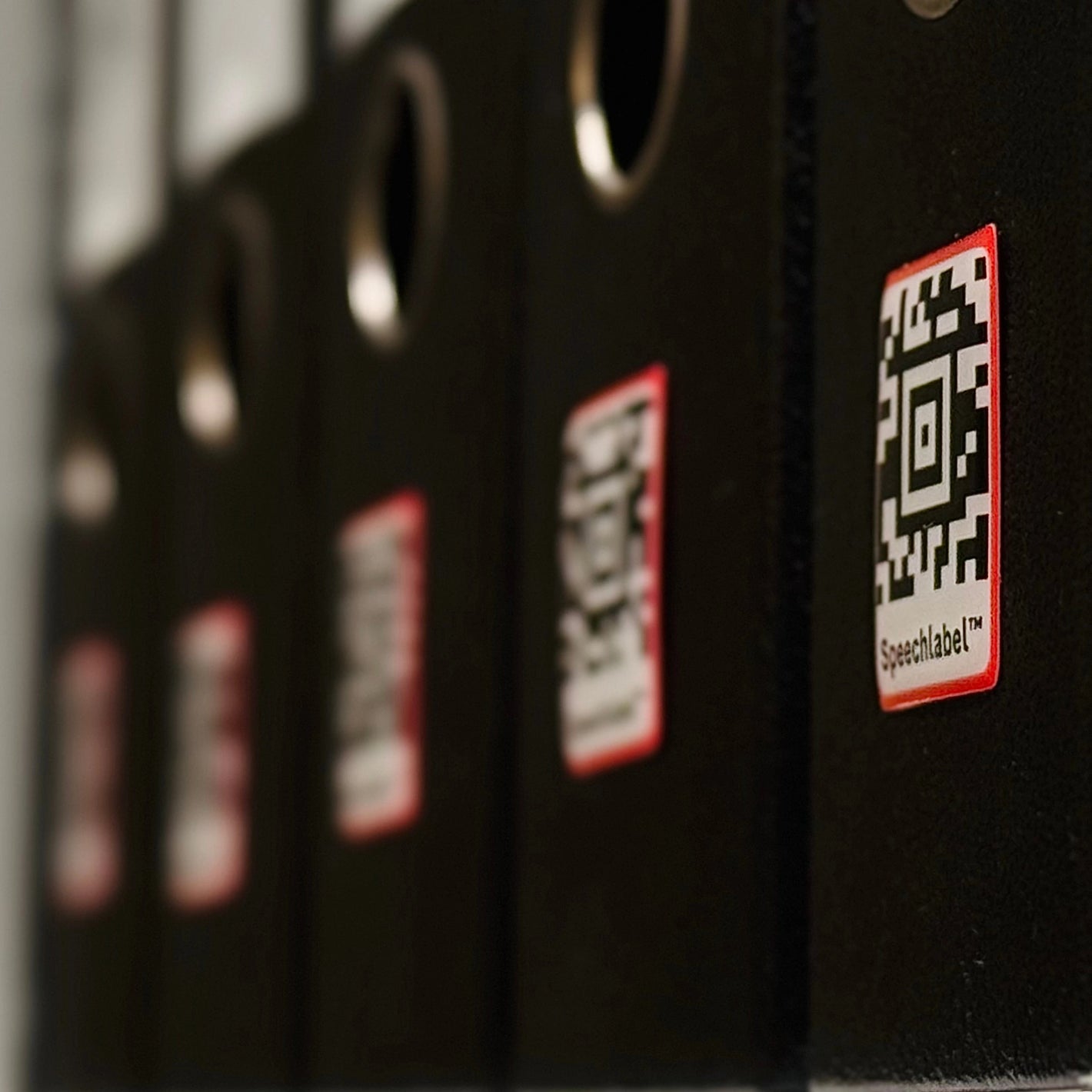
Documents
Keep track of folders, binders, or important paperwork with spoken labels. Add your own notes on top so you don't have to use OCR or AI to find what you are looking for.

Share your labels with others
You can set your labels to "public" to share them with the people around you. This means family members or co-workers can scan the same label and receive the same message on their phones. It is a great way to keep everyone informed without needing to re-record anything.
Review Speechlabel by Sam from the Blind Life
Our Story
Speechlabel started as a passion project by a developer who deeply understood accessibility. He built it hand-in-hand with blind and visually impaired users, making an app that became a lifeline for many: practical, simple, and reliable.
But while the technology proved itself, it never reached the wider audience it deserved. That’s where Hable comes in. We’re bringing Speechlabel to the world, with an improved interface, clearer guides, and new, more accessible labels.
For you, that means Speechlabel is easier to use, better supported, and here to stay. Together, we’re making the world more accessible.
Questions? Check our FAQ below
How much does Speechlabel cost?
How much does Speechlabel cost?
The Hable SpeechLabel app is free for both iOS and Android. We fund the app through the sale of label packs, which you can buy to get started and support continued development.
What do I need to use SpeechLabel?
What do I need to use SpeechLabel?
All you need is a smartphone or tablet and a set of SpeechLabel tags. Download the app, get your labels and start scanning!
What types of labels are available?
What types of labels are available?
We currently offer four types of labels to suit different needs:
- NFC Sticker (NFC): Standard adhesive NFC stickers that let you simply tap your phone to hear the label.
- Clothing Button (NFC): Soft, sewable NFC buttons that can be stitched into clothing and are fully washable.
- Premium Epoxy Sticker (Barcode): Durable, glossy barcode stickers with a premium finish for long-lasting use.
- Grocery Sticker (Barcode): Aztec-style barcode stickers ideal for labeling food containers or pantry items, easy to scan from different angles.
If you are not sure which one fits you best we also offer a start pack which includes all of these stickers.
Can I use SpeechLabel without buying labels?
Can I use SpeechLabel without buying labels?
Yes, but with limits. SpeechLabel can read some barcodes without our labels, but for the best experience, we recommend ordering them from Hable. This way, you know they’ll work and you’ll be supporting the app, since label sales are what make SpeechLabel possible.
Do I need internet to use SpeechLabel?
Do I need internet to use SpeechLabel?
Yes. You need an internet connection to create new labels and to scan labels made by others.
Is my data safe with SpeechLabel?
Is my data safe with SpeechLabel?
Yes. We take privacy seriously. Your labels are stored securely in the cloud, and only shared when you choose to.
Do I need to order the starter pack first?
Do I need to order the starter pack first?
No, you can work with any of the labels right from the start. We recommend the starter pack so you can evaluate which labels are the right fit for you.
How do I know which labels I should get?
How do I know which labels I should get?
It depends on your needs and where you’ll use the stickers. NFC stickers are great if you want to simply tap your phone without using the camera, while barcodes can be easier if you prefer aiming with the camera. If you’re not sure which is best, we recommend starting with our Starter Pack so you can try both.


